Why Does an Android Gaming App Freeze or Crash?
Learn why Android gaming apps freeze, crash or stop responding and understand common problems involving storage, updates, connectivity and compatibility.
In this article
- Why Does an Android Gaming App Freeze or Crash?
- Common Reasons Android Gaming Apps Freeze
- 1. Insufficient Device Storage
- 2. Outdated Application Version
- 3. Unstable Internet Connection
- 4. Limited Device Memory
- 5. Compatibility Problems
- 6. Damaged App Data
- Android App Problem Comparison
- What to Do When an Android Game Stops Responding
- Should You Download an APK From Telegram?
- How Can You Reduce Future App Problems?
- Frequently Asked Questions
- Why does an Android game close automatically?
- Can low storage make a gaming app freeze?
- Why is my gaming app stuck on loading?
- Will reinstalling an APK solve every crash?
- Conclusion
Why Does an Android Gaming App Freeze or Crash?
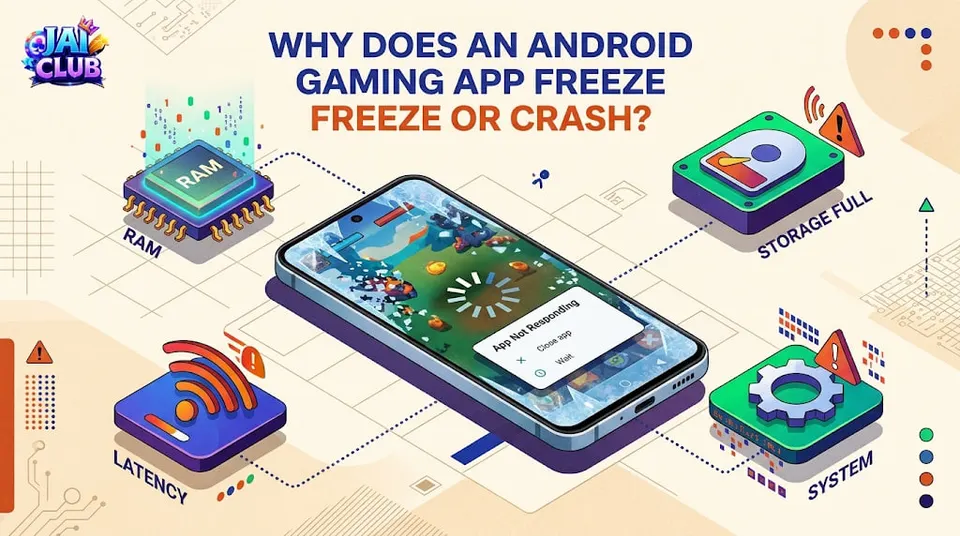
An Android gaming app freezing or crashing can interrupt the user experience, especially when the screen becomes unresponsive or the application suddenly closes.
These issues are not unique to one application.
Mobile games, including apps associated with Jai Club and other gaming platforms, may experience technical problems because of device limitations, software errors, or network interruptions.
Understanding common causes makes it easier to identify the problem.
Common Reasons Android Gaming Apps Freeze
1. Insufficient Device Storage
Android applications need available storage for temporary files, updates, and application data.
When storage becomes very limited, an app may perform poorly or fail to operate normally.
Check the device's available storage through Android settings.
2. Outdated Application Version
Older versions can encounter compatibility problems with newer Android software.
Application updates may fix bugs or improve stability, although updates do not guarantee that every issue will disappear.
Always verify the application publisher before installing a replacement.
3. Unstable Internet Connection
Some online gaming apps need an active connection to receive game information and update account-related features.
An unstable connection may cause loading delays, interrupted sessions, or screens that appear frozen.
4. Limited Device Memory
A device running several demanding applications simultaneously may have limited available RAM.
Android may restrict background processes or close applications when resources become constrained.
5. Compatibility Problems
Some applications are designed for specific Android versions, screen configurations, or hardware capabilities.
An app that works on one phone may not function correctly on another.
6. Damaged App Data
Temporary application data can become corrupted.
This may result in repeated crashes, missing interface elements, or loading errors.
Android App Problem Comparison
| Problem | Possible Cause | Initial Check |
|---|---|---|
| App freezes | Limited resources | Storage and memory |
| App closes suddenly | Software error | App updates |
| Loading screen stuck | Network interruption | Internet connection |
| App won't install | Compatibility issue | Android version |
| Login page unresponsive | Connection or service issue | Network and service status |
| Repeated crashes | Damaged app data | Official troubleshooting guidance |
What to Do When an Android Game Stops Responding
Start by checking whether the internet connection works normally.
Next, review available device storage and whether the application has a trusted update.
Restarting the device can sometimes resolve temporary software issues.
If the problem continues, consult the application's official troubleshooting documentation.
Clearing application data or reinstalling software may remove local information or require another login, so understand the consequences before proceeding.
Should You Download an APK From Telegram?
An unfamiliar APK may be modified or contain unsafe software.
Avoid downloading application packages from unknown Telegram groups, messaging links, or websites whose publishers cannot be verified.
Do not disable Android security protections simply to make an unverified application install.
How Can You Reduce Future App Problems?
Keep Android updated where compatible, maintain adequate free storage, and avoid installing unnecessary background applications.
Review application permissions and use genuine software sources.
For online apps, a stable internet connection can also reduce connection-related interruptions.
Frequently Asked Questions
Why does an Android game close automatically?
Possible causes include software bugs, limited memory, damaged app data, or incompatibility.
Can low storage make a gaming app freeze?
Yes. Very limited storage can interfere with normal application operation.
Why is my gaming app stuck on loading?
Network interruptions, server delays, and application problems are common possibilities.
Will reinstalling an APK solve every crash?
No. Reinstallation cannot fix every compatibility, device, or service problem.
Conclusion
An Android gaming app freezing or crashing may be caused by software, storage, memory, compatibility, or network problems.
Checking these factors helps users identify technical issues without relying on unsafe downloads or unverified fixes.
For more gaming-related Android information, explore the Jai Club APK Download Guide.